
Android Rugged Tablets
Android 12/14/16 rugged tablets with GMS or AOSP builds, Android Enterprise support, and open SDK/API access — engineered for industrial mobility, vehicle-mounted deployment, and enterprise device fleets.
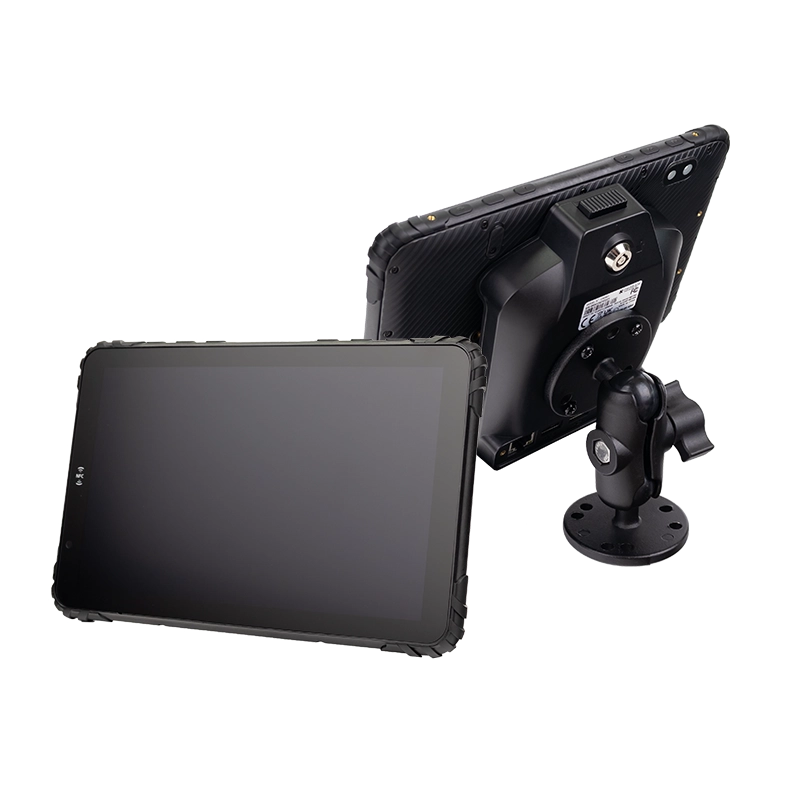
Android Rugged Tablets for Enterprise Deployment
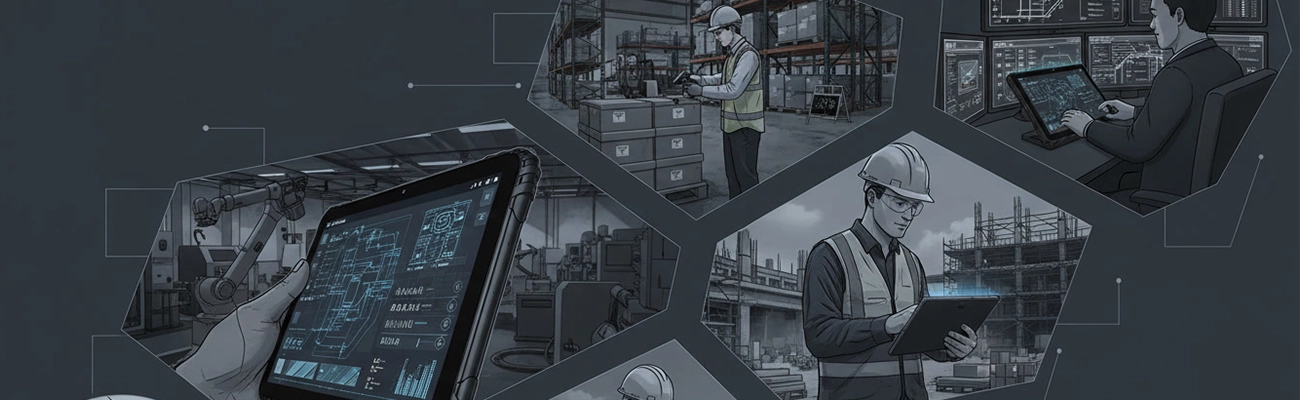
Android rugged tablets combine the flexibility of the Android operating system with industrial-grade hardware designed for demanding environments. TOPICON devices ship with Android 12 or Android 14, in either GMS (Google Mobile Services) or AOSP builds — so your team can run Google Play enterprise apps, sideload private APK packages, or deploy a fully controlled ROM.
These devices are built for enterprise mobility, offering reliable performance in warehouses, vehicles, field operations, and industrial facilities. Learn more about what a rugged Android tablet is →
Why Android Is Ideal for Industrial Tablets
Open Application Ecosystem
Android supports Google Play enterprise apps, private APK distribution, and AOSP-only deployment — no proprietary app store lock-in.
SDK / API Access
Direct access to CAN Bus, GPIO, RS232, and camera APIs. Build custom integrations with ERP, WMS, and fleet platforms without hardware abstraction layers.
Android Enterprise Certified
Full support for zero-touch enrollment, managed configurations, work profiles, and dedicated device mode across any major MDM platform.

Multi-Year OS Support
5+ years of security patches and OS upgrade path. Choose Android 12 for mature deployments, Android 14 for the latest features.

Lower TCO than Windows
No OS licensing, no CAL fees, no domain controllers. Android devices deploy at roughly half the TCO of comparable Windows rugged tablets.
Rich Hardware Compatibility
Native support for barcode scanners, UHF/LF RFID modules, AHD cameras, CAN Bus (J1939), and industrial I/O — no third-party drivers required.
Non-GMS vs nGMS vs GMS: Choosing the Right Android Build
Firmware type is a procurement decision — not an afterthought. Once hardware ships, switching builds requires a factory reset across the entire fleet.
Non-GMS (AOSP)
Runs Android Open Source Project without any Google services. Applications are deployed exclusively through your MDM platform or side-loaded APK packages.
Choose when: Google services are prohibited, or the device runs a single custom application in a controlled network.
nGMS
Preinstalls the Google application suite — Play Store, Gmail, Maps — but does not carry Google's official CTS certification.
Choose when: Google apps are needed, but the project timeline or budget does not accommodate full CTS certification.
GMS (CTS Certified)
Fully certified by Google. Includes Play Store, Google APIs, and monthly Android Security Review (SMR) patches aligned with Google's release schedule.
Choose when: Your fleet relies on Google Play Services APIs, requires Play Store access, or operates under compliance mandates that demand certified firmware.
Why it matters for system integrators: Switching firmware type after hardware ships requires a factory reset on every device — a 200-unit fleet recall costs four weeks of downtime. TOPICON locks the firmware build at the factory based on your specification, so the decision you make during procurement is the decision that ships. Read the full firmware selection guide →
Android Rugged Tablet vs Consumer Android Tablet
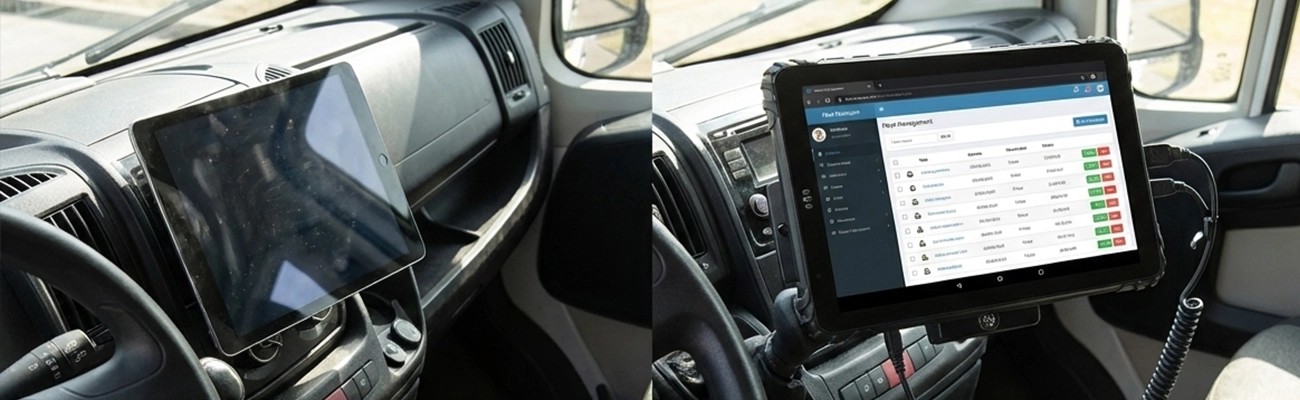
Consumer Android Tablet
✗ Consumer OS build, no enterprise controls
✗ Limited durability (IP41 or none)
✗ Indoor use only
✗ Handheld only, no vehicle docking
✗ 1–2 year lifecycle, no OS continuity
Android Rugged Tablet
✓ Android Enterprise, MDM, kiosk mode
✓ IP67 / MIL-STD-810H protection
✓ -20°C to 60°C operation
✓ Vehicle mounting + docking support
✓ 5+ year lifecycle with OS continuity
Typical Applications of Android Rugged Tablets
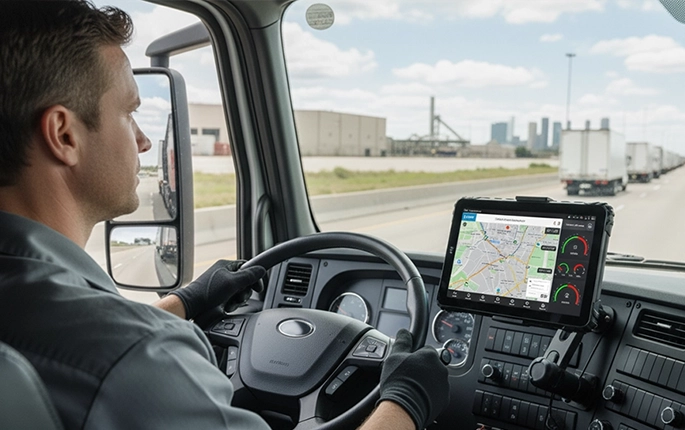
Fleet Management Systems
Run your dispatch, telematics, and ELD apps on a single Android platform — truck tablet guide →
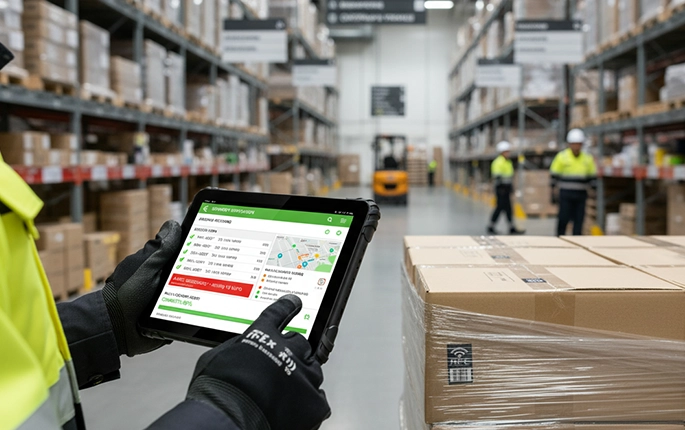
Warehouse Management Systems
Native barcode scanning APIs and WMS integration — one device for picking, packing, and cycle counting.
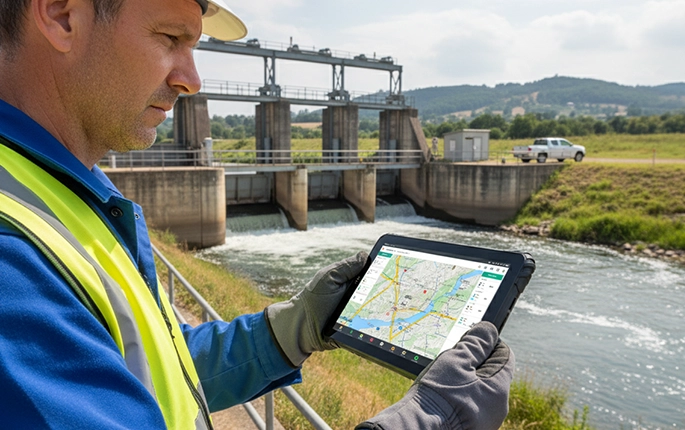
Field Service Applications
Offline-first Android apps with GPS, camera, and signature capture for utility and telecom field crews.
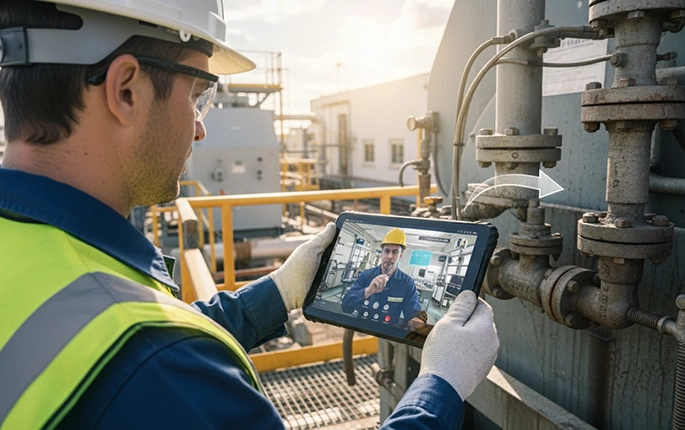
Industrial Inspection
Quality control apps running on Android with camera, RFID, and custom sensor input for factory floor workflows.
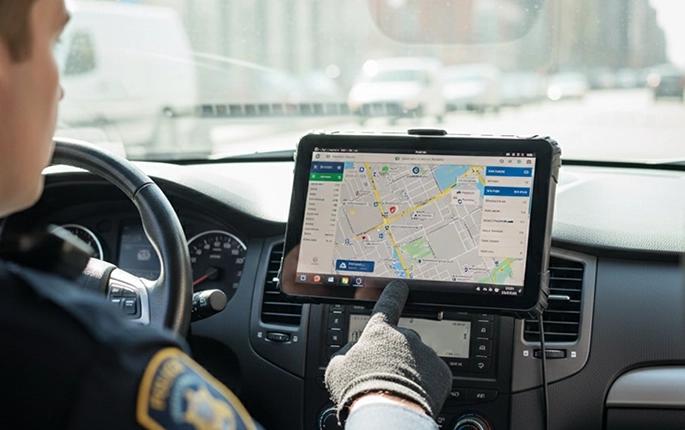
Public Safety Operations
Android MDTs for police, fire, and EMS — with kiosk mode to lock the device to a single application.
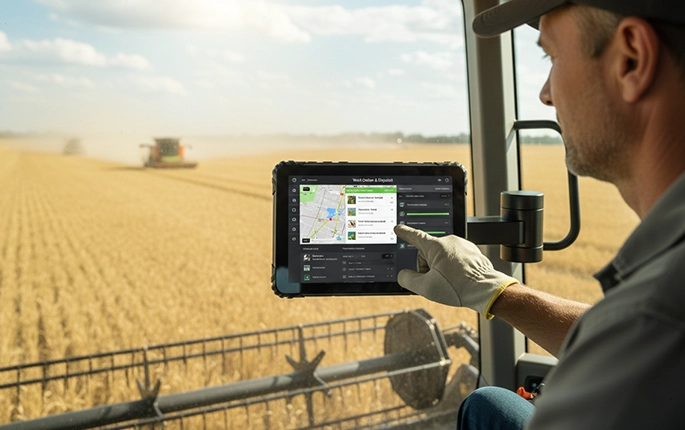
Agricultural Machinery Control
Precision farming apps with GNSS guidance — see our navigation hardware architecture guide for reference.
Android Rugged Tablets by Screen Size
From compact handhelds to large-format telematics dashboards — filter by display size to find the right platform for your deployment.
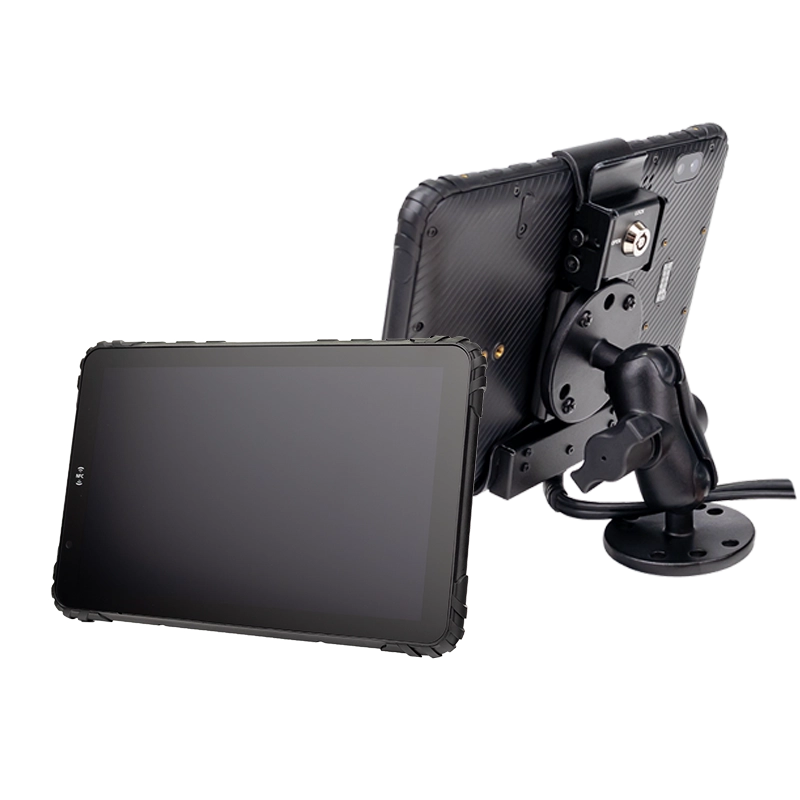
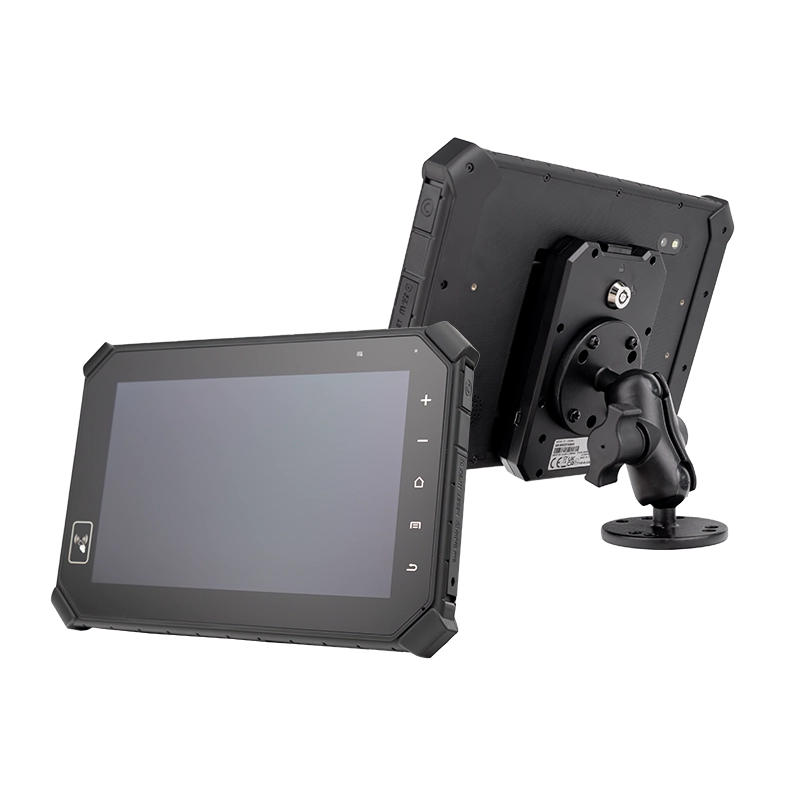
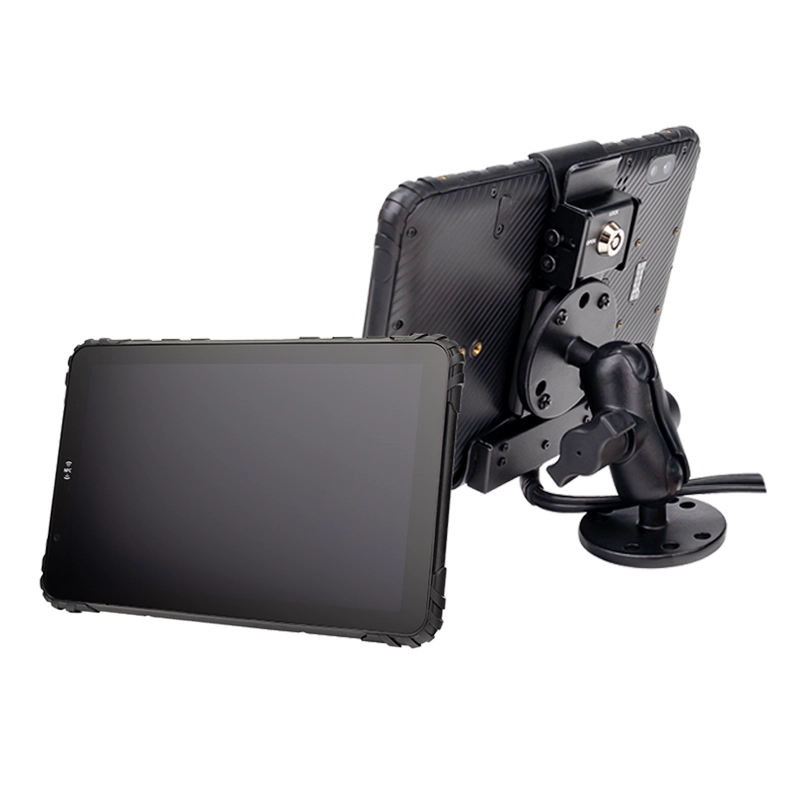
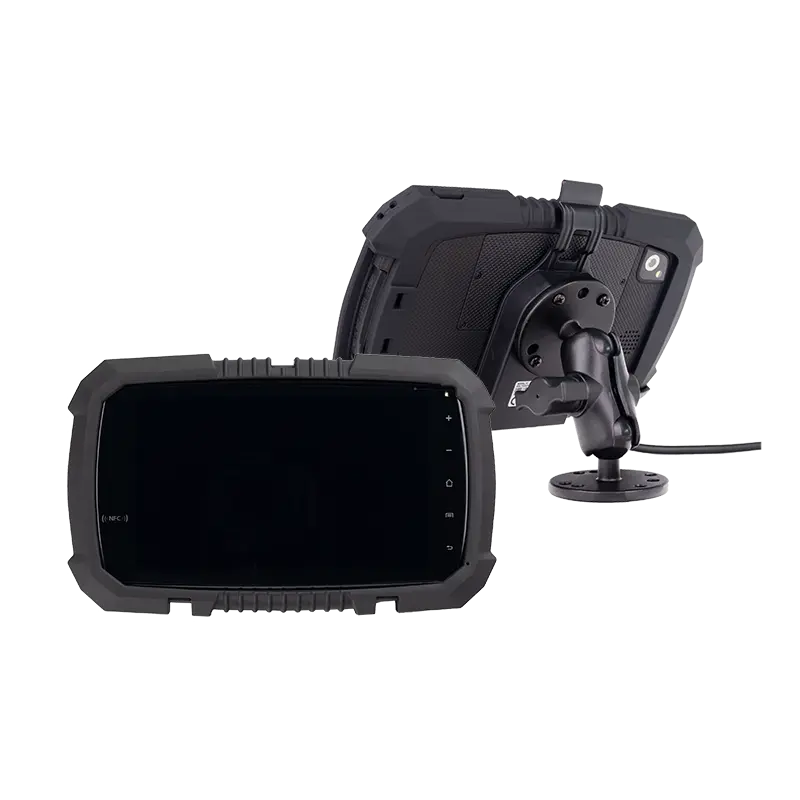
8-Inch Rugged Android Tablets
The most common form factor for fleet, ELD, and vehicle mount deployments — 8-inch displays balance in-cab visibility with mounting flexibility.
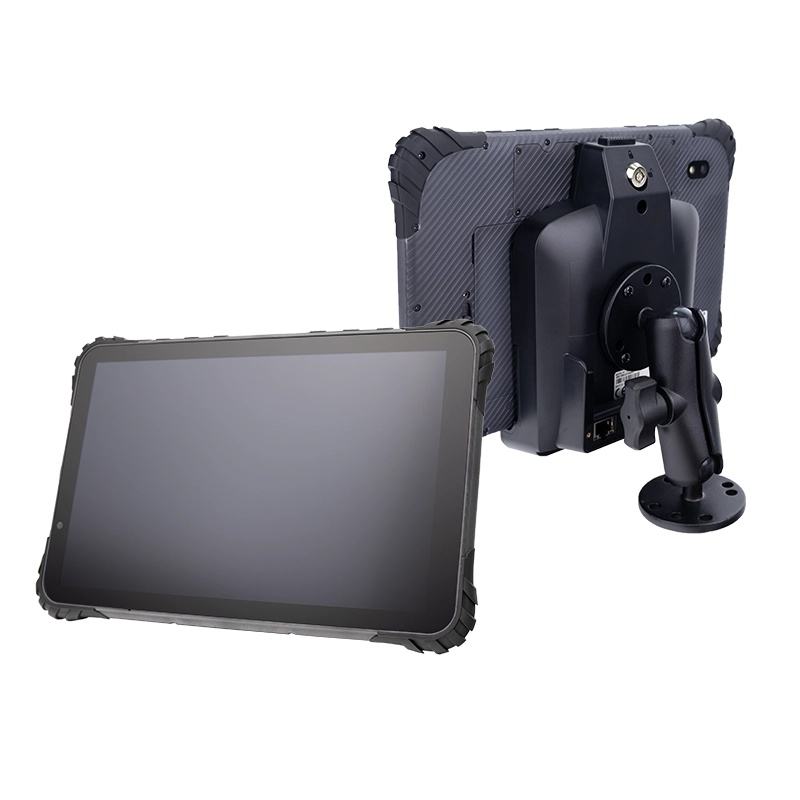
10-Inch Rugged Android Tablets
Large-format displays for telematics dashboards, industrial HMI, and mapping workloads requiring more screen real estate.
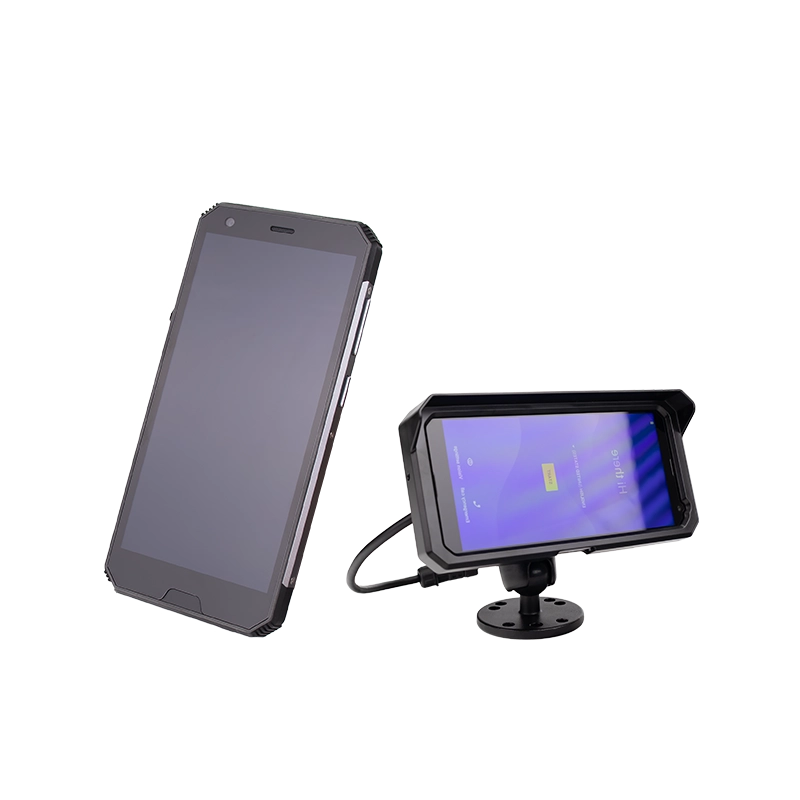
Compact & Handheld Models
Compact form factors for entry-level fleets, field service technicians, and handheld workflows.
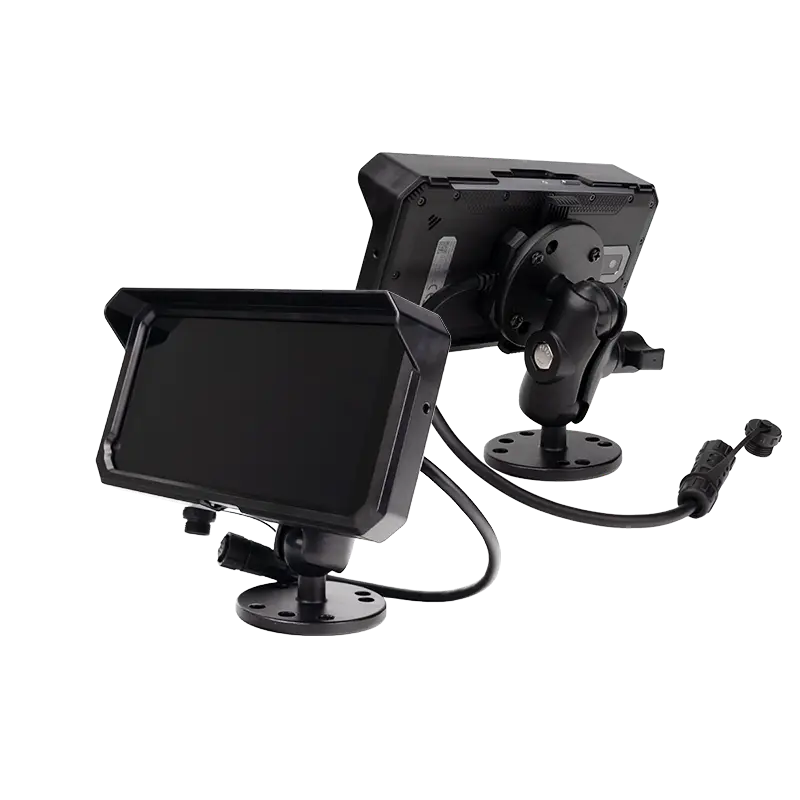
Not sure which screen size fits your deployment? Talk to our engineering team →
Android Enterprise & MDM Device Management
Android Enterprise provides a comprehensive framework for managing rugged tablets across large-scale deployments. Unlike consumer Android devices, enterprise-certified tablets support managed configurations, work profiles, and dedicated device mode — with zero-touch enrollment handled directly from your MDM console.
For system integrators, this means a single device image can be remotely provisioned, configured, and updated across thousands of units — no on-site technician visits, no per-device manual setup.
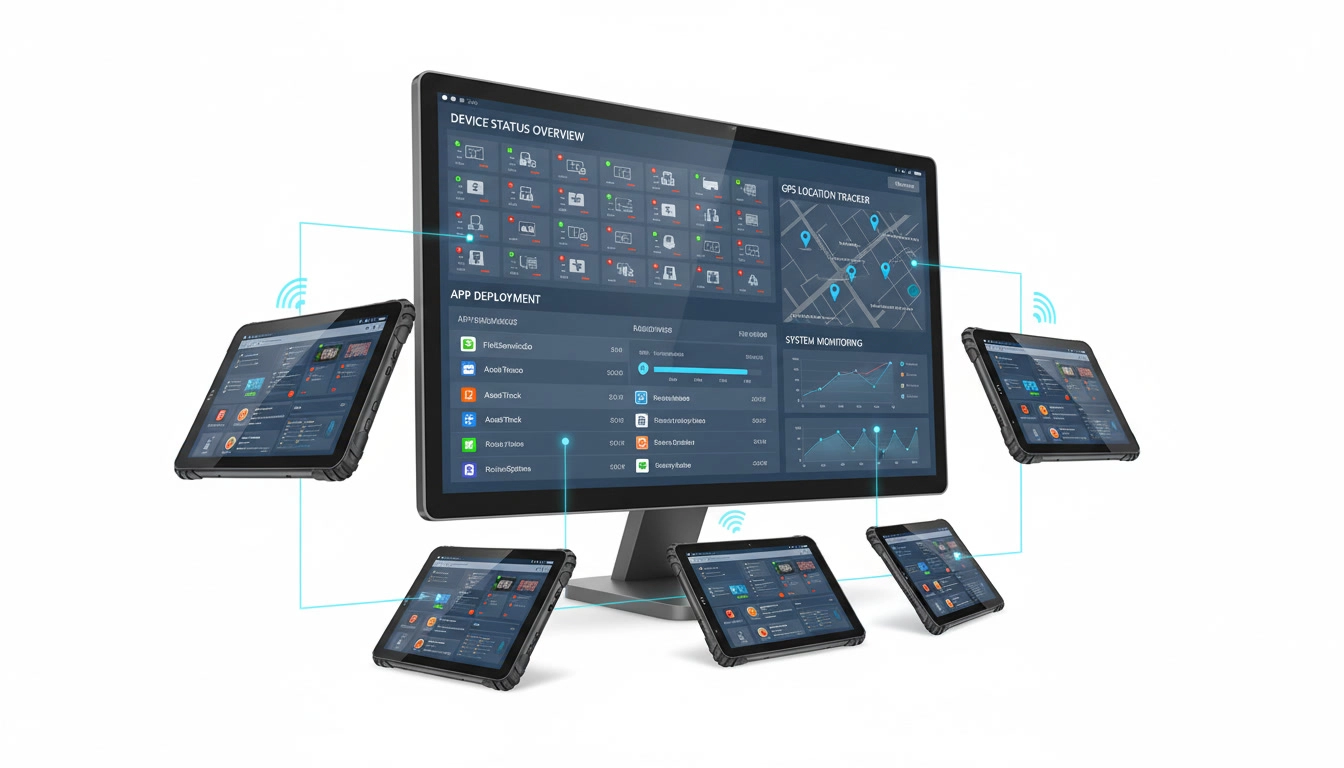
MDM console for remote device management
Enterprise-Grade Security
Android rugged tablets support hardware-level encryption, verified boot, and Android Enterprise security standards. See our guide on MDM for rugged devices →
Hardware Expansion & Industrial Interfaces
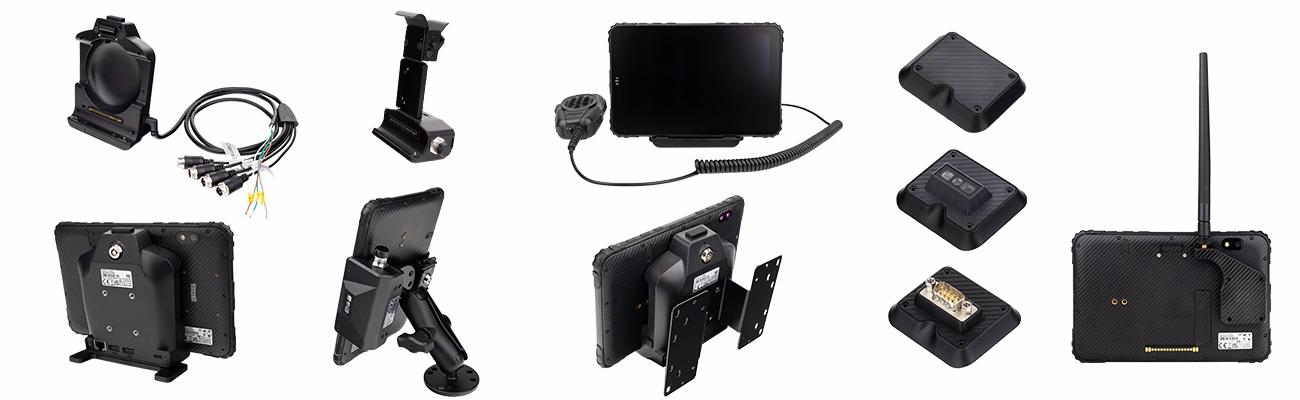
Barcode Scanners
RFID Modules

External Cameras
CAN Bus
RS232/485
GPIO

Vehicle Docking
Ethernet
Related Device Categories
Related Applications
Related Industry Solutions
Frequently Asked Questions
What Android versions do TOPICON rugged tablets ship with?
TOPICON Android rugged tablets ship with Android 12 or Android 14, in either GMS, nGMS, or Non-GMS (AOSP) builds. Choose Android 12 for mature, certified deployments, or Android 14 for the latest Android Enterprise features and security patches.
What is the difference between Non-GMS, nGMS, and GMS builds?
Non-GMS runs AOSP without any Google services — apps deploy via MDM or APK sideload. nGMS preinstalls Google apps but is not CTS-certified. GMS is fully Google-certified, includes Play Store, and receives monthly Google security patches. The choice is locked at the factory and cannot be changed after deployment without a factory reset.
Does TOPICON provide SDK / API access for custom development?
Yes. TOPICON provides SDK and API documentation for hardware-level integration, including CAN Bus, GPIO, RS232, camera, and peripheral control. System integrators can build custom applications that interact directly with the hardware layer without abstraction middleware.
Are Android rugged tablets suitable for vehicle installation?
Yes. Many Android rugged tablets support vehicle mounting solutions and docking stations, making them suitable for in-vehicle computing in trucks, forklifts, and industrial vehicles.
Can Android rugged tablets be white-labeled for OEM deployment?
Yes. TOPICON provides full white-label OEM customization — custom logo on device and boot screen, custom packaging, custom firmware, and MDM pre-configuration. No TOPICON branding visible to your end customers. Explore OEM customization →
How does TOPICON ensure long-term Android OS support?
TOPICON commits to 5+ year supply continuity with security patches and OS upgrade paths for enterprise deployments. Hardware revision locking and documented EOL roadmaps ensure your software certification stays valid across the full deployment lifecycle.
Can I switch firmware type after hardware has shipped?
No. Switching between Non-GMS, nGMS, and GMS builds requires a factory reset on every device. All 200 units must be recalled from the field, wiped, reflashed, and redeployed. This is why firmware type must be specified during procurement — before any hardware ships.
How do I choose the right firmware type for my fleet?
Start with three questions: (1) Does your fleet need Google Play Store access or Google Play Services APIs? If yes, choose GMS. (2) Is Google prohibited by policy or network architecture? If yes, choose Non-GMS. (3) If you need Google apps but cannot wait for full CTS certification, choose nGMS. TOPICON's engineering team can help you evaluate the decision before hardware ships.